

Create Stunning Cover Arts
Sample Cover Arts
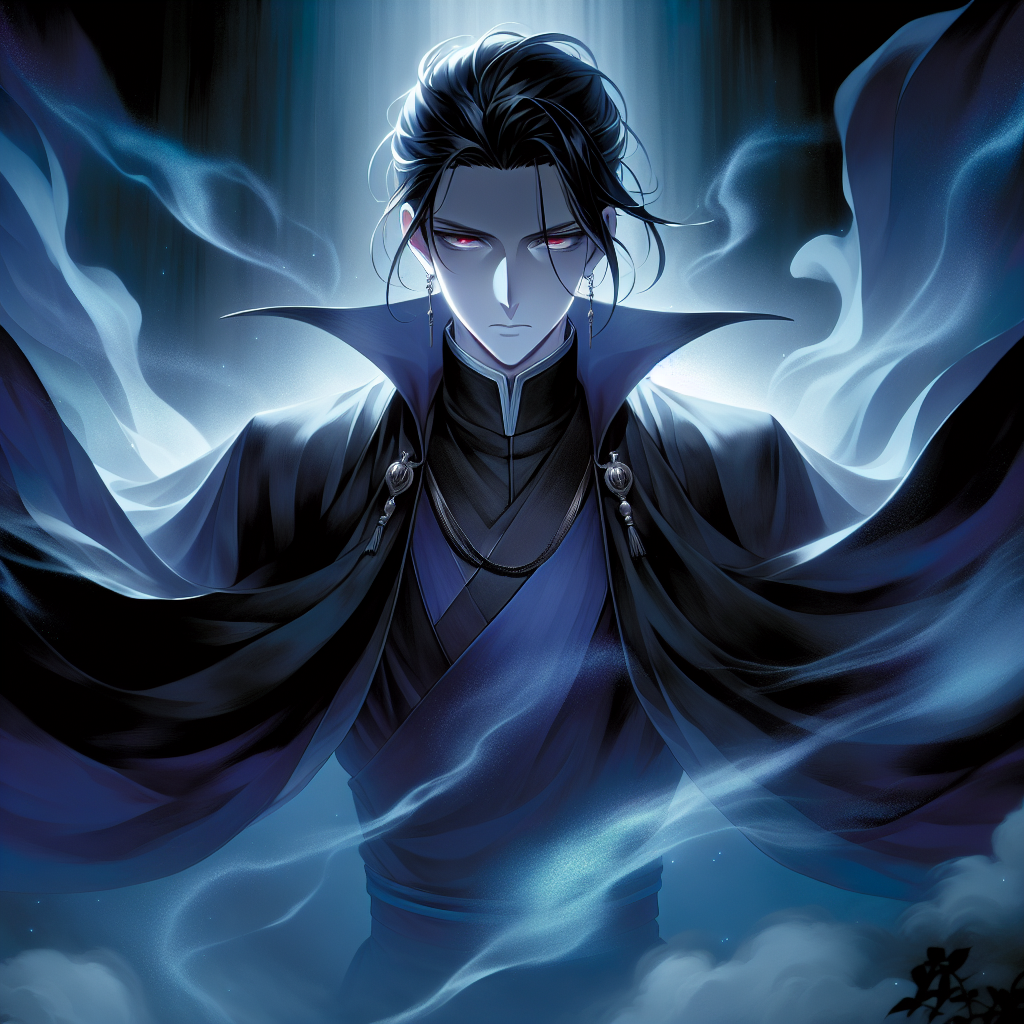
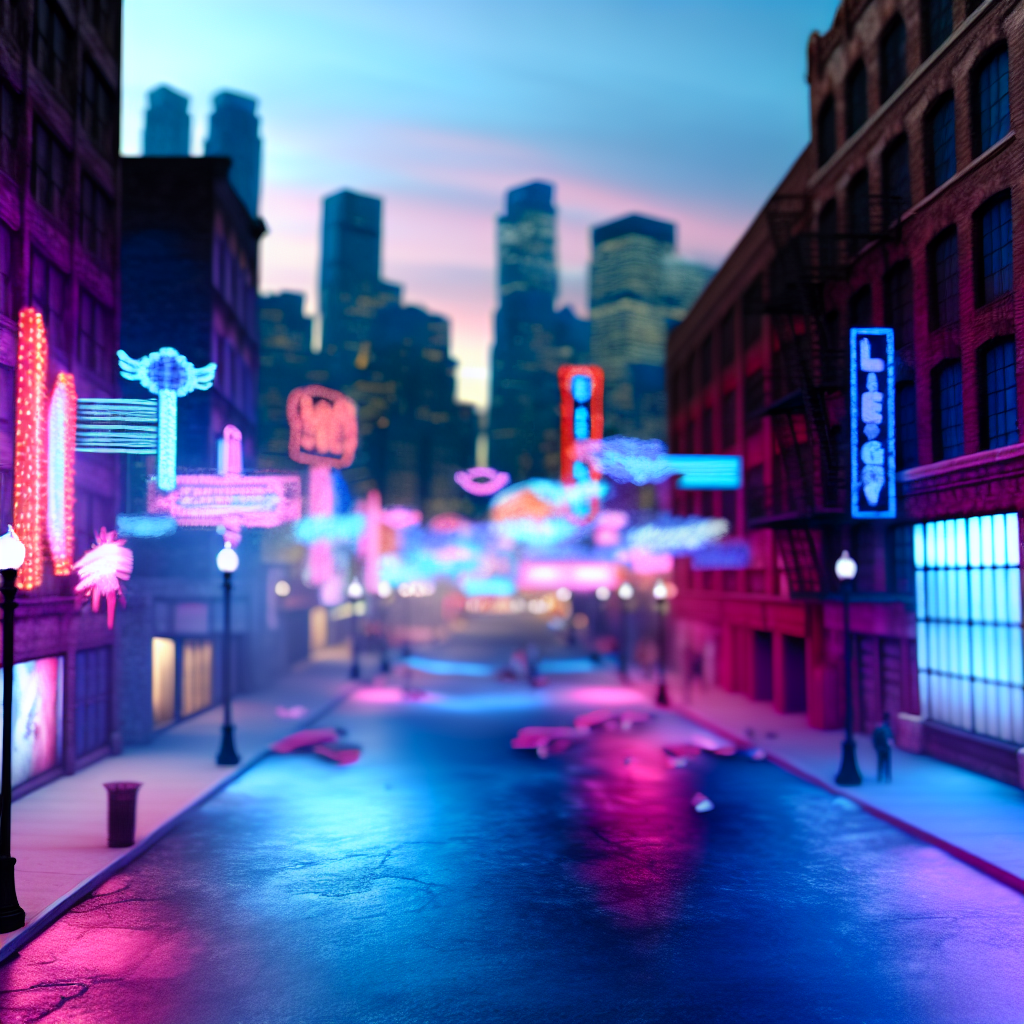
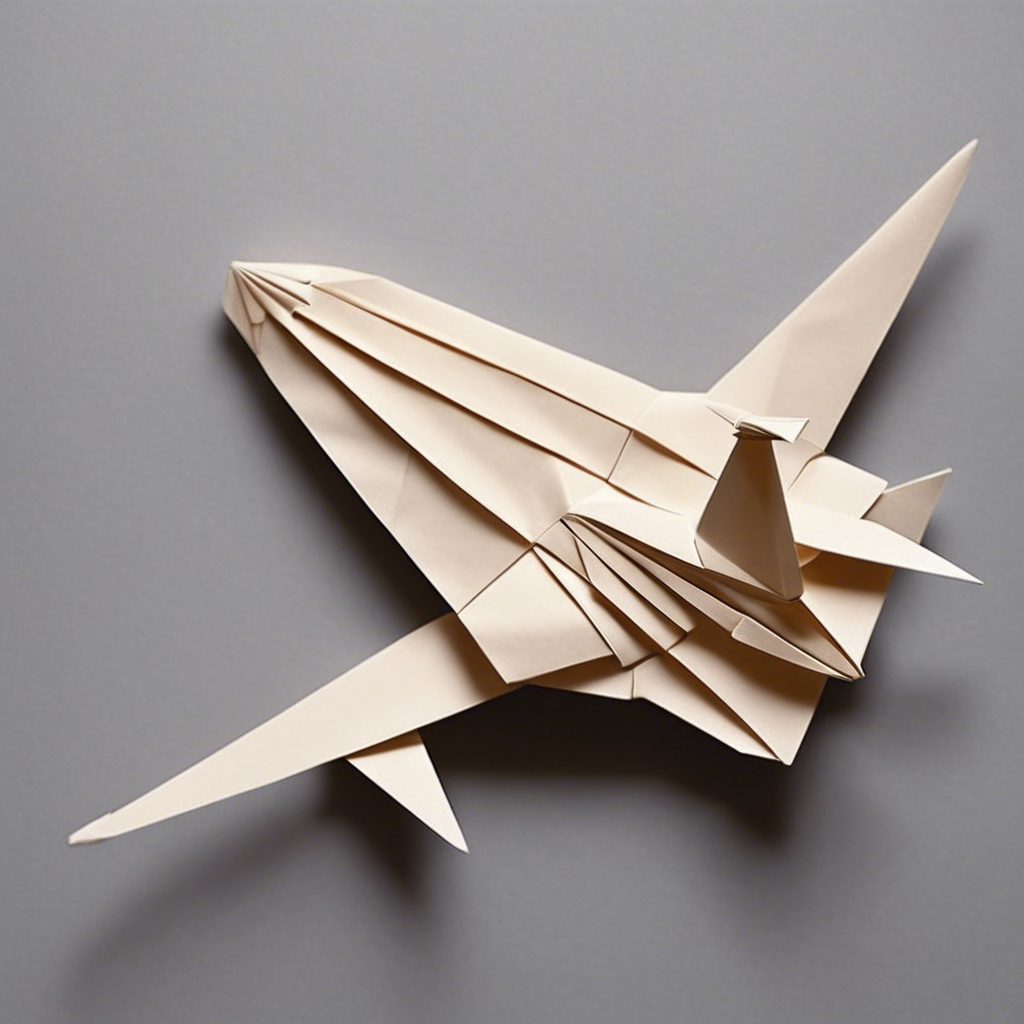
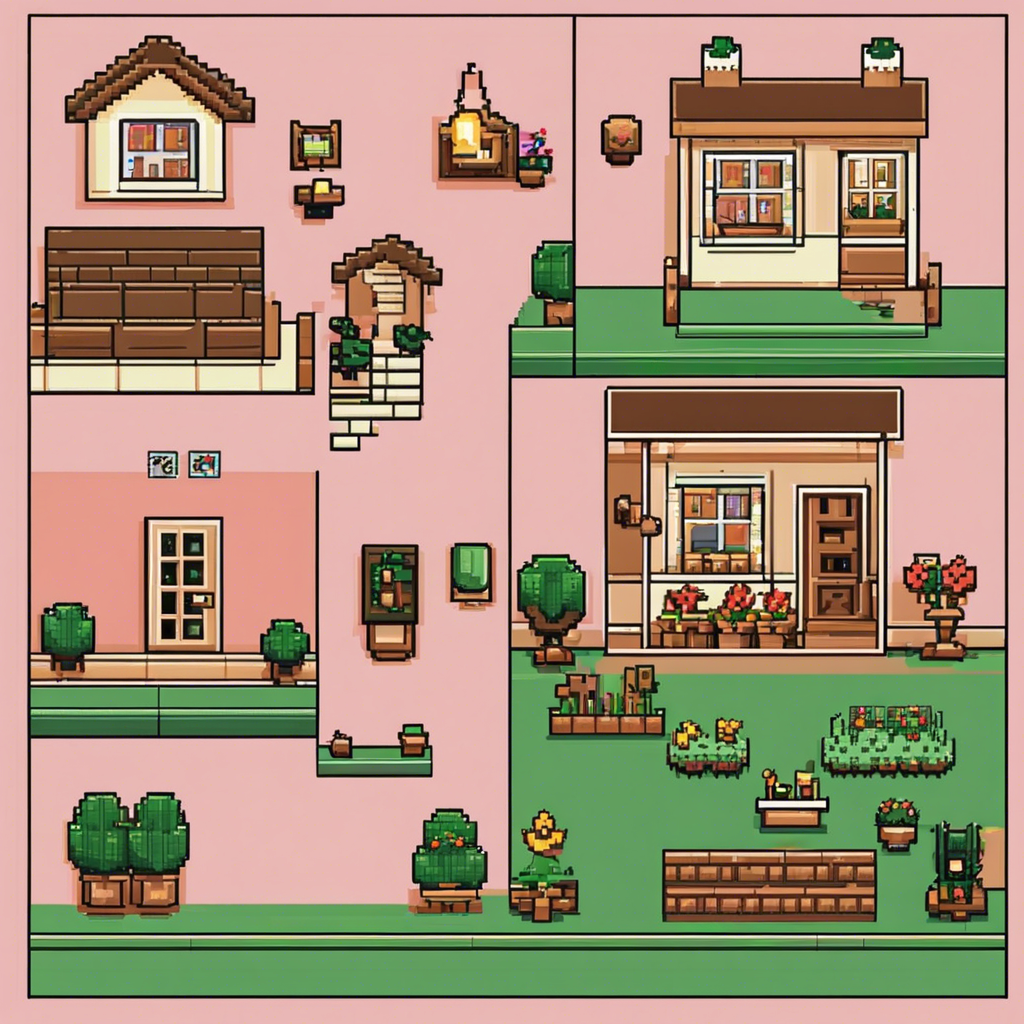
How do I use the AI image generation tool?
To use the AI image generation tool, you can select from various models based on your needs. Choose the Standard High HD option or other available settings from the options or tags provided.
What is the limit for image generation?
The limit for image generation is 5 images per day. This ensures fair use and optimal performance for all users.
What is the maximum resolution available for generated images?
The maximum resolution available for generated images is 1792×1024, utilizing the Open AI Dall-E-3 model for high-quality outputs.
What is the purpose of the Variations feature?
The Variations feature allows you to generate different versions of an image. You can access this through the Variation tab, enabling you to explore creative alternatives based on your original image.
Can I change the settings for image generation after I’ve begun?
Yes, you can adjust the settings before starting the generation process. However, once the generation has begun, you will not be able to change the settings for that particular request. You can always start a new request with different settings if needed.
Are image stored for future use?
No! You can only download the image after being generated. Reloading the browser will erase the generation history as well.